- How to enter your personal account?
- How to use the quick login to your personal account?
- I can't enter my personal account. What to do?
- How to pay for services through a personal account?
- How to top up balance?
- How can I change the MAC address in my account by yourself?
- "Regular payment" service
- How to view your payment history?
- How to change the tariff?
- How to suspend services?
- What settings does my account have?
- How can I pay for additional services with bonuses?
- What are Additional accounts?
- What are the advantages of multi-account?
- How to create an administrative account?
- How to confirm account connection?
- When can't an account be linked?
- How to check connected accounts?
- What are the administrator's capabilities?
- Does the owner of a child account have access to other accounts?
- How to log out of a multi-account?
- How do I change the administrator or delete the entire multi-account?
- How to choose the right account?
- How to make a payment?
- Whose balance is used for payment?
- Bonus accrual
- What payment methods are available?
- Where can I view my payment history?
- How does auto payment work?
- How does payment happen if "Regular payment" is enabled on a sub-account?
What settings does my account have?
Account
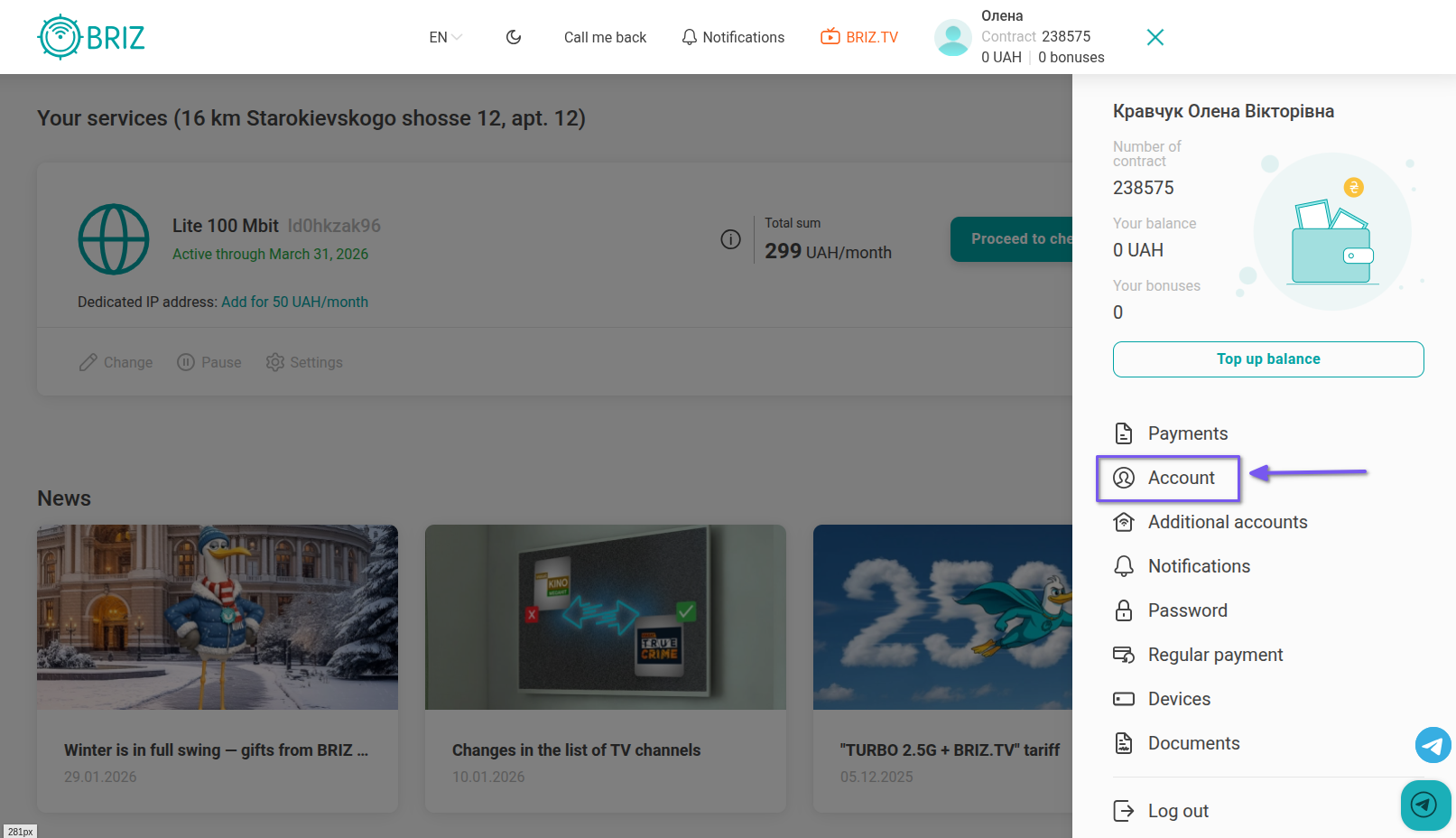
To enter your account settings, click on the three bars in the upper right corner and select the “Account” section.
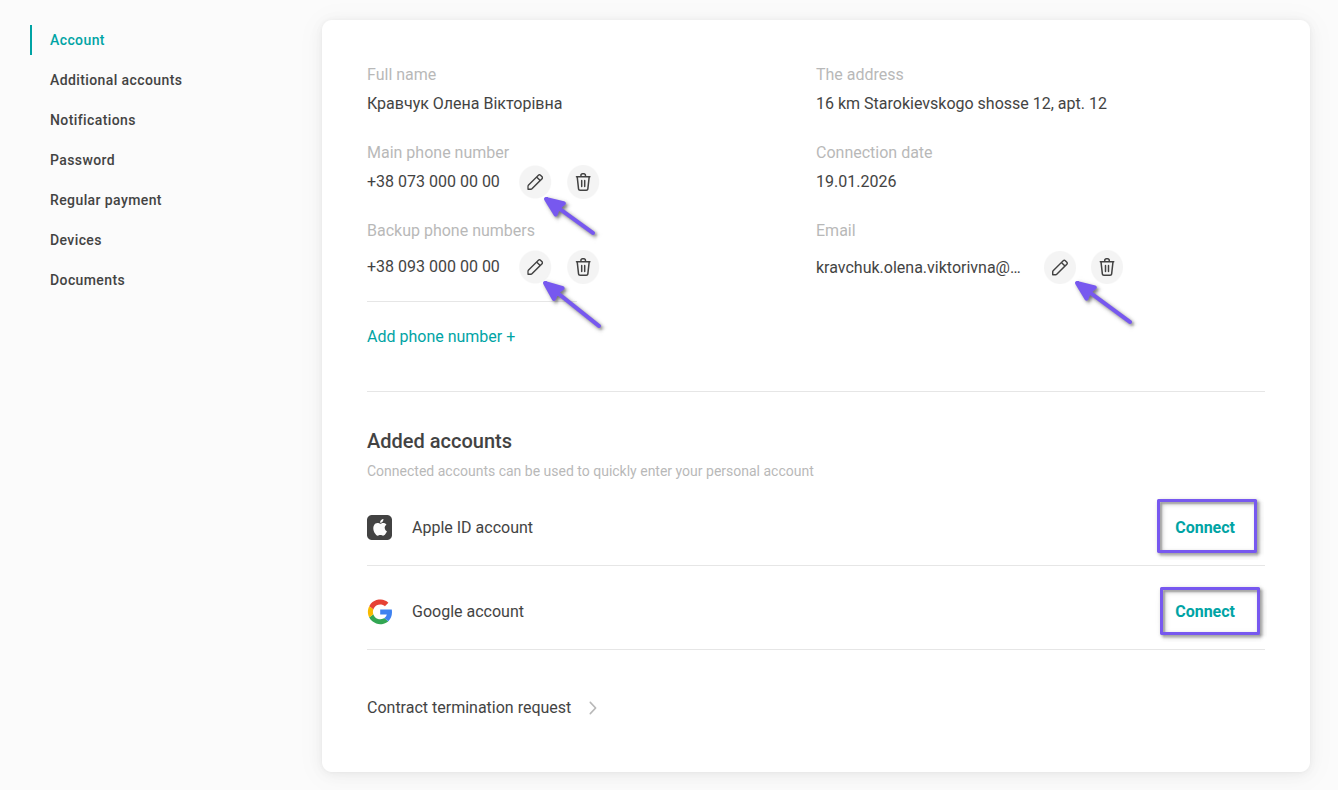
You can change:
- phone number (primary or backup);
- email.
To do this, click on the appropriate icon next to the item where you will make changes.
To change your primary phone number or email you have to enter your current account password.
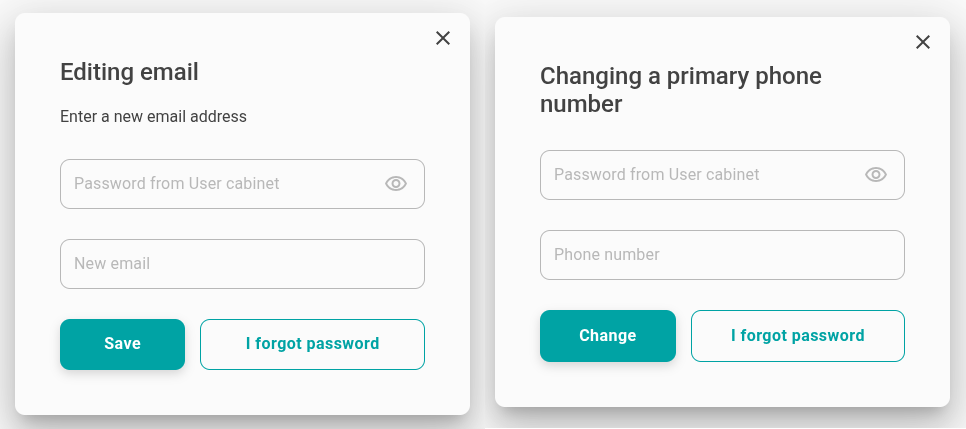 If you don’t remember your password, please, follow the link to restore it.
Notifications
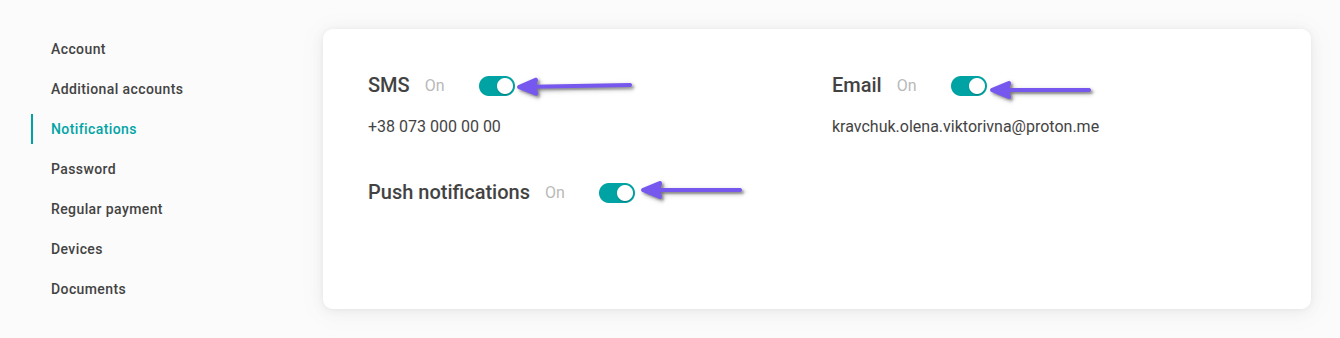
You can also customize any notifications you receive by email or phone. To do this, from the account settings, go to the “Notifications” tab.
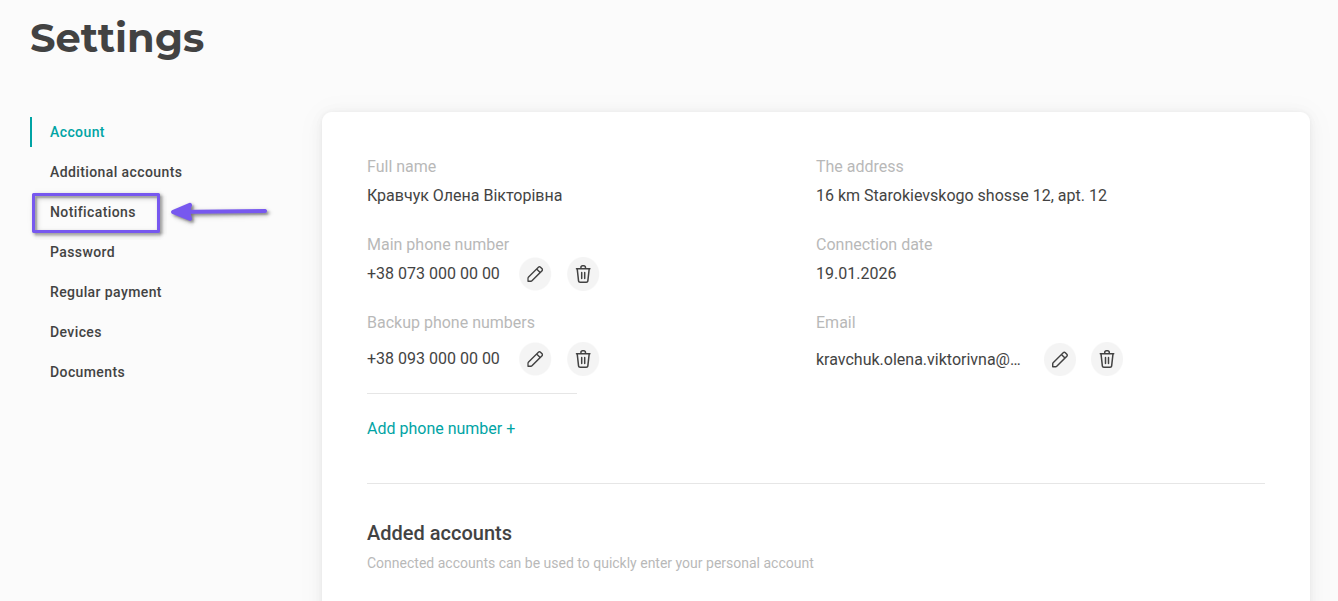
There you can enable and disable all notifications.
If you want to receive notifications to a different email or phone number, go back to your account settings and edit the appropriate fields.
Password
To change your password, go to the "Password" tab.
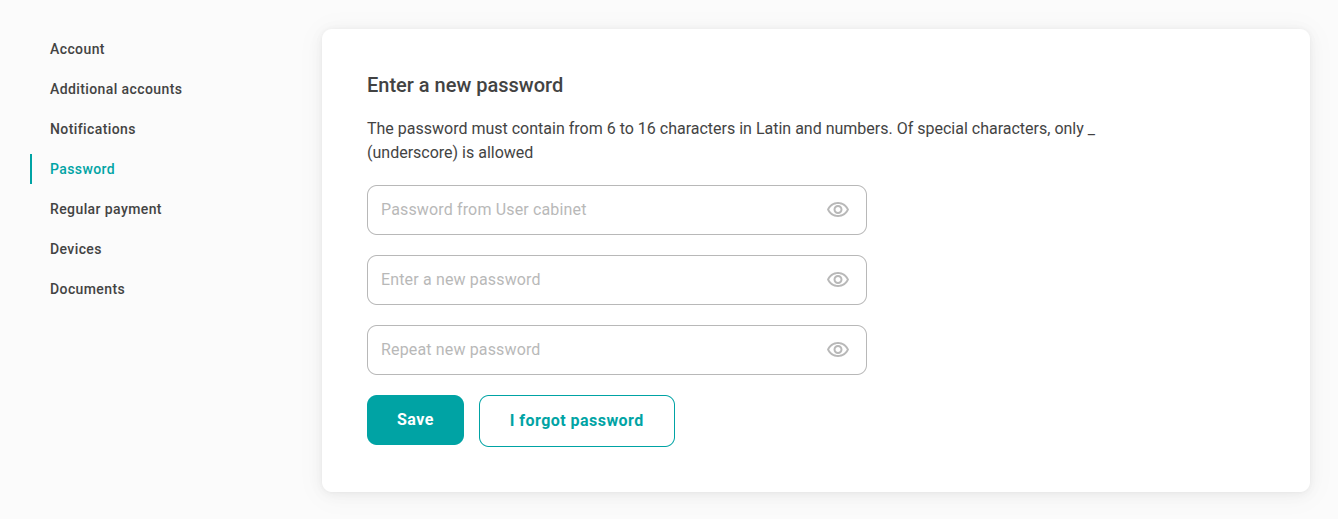
Enter your current account password, then enter a new password twice. Click “Save changes button”.
If you don’t remember your password, please, follow the link to restore it.
How to connect a regular payment
The service helps not to miss the payment for the tariff and continue to accumulate bonuses. Every first day of the month, money from the specified card will be debited automatically.
To do this, go to the “Regular payment” tab from your account settings.
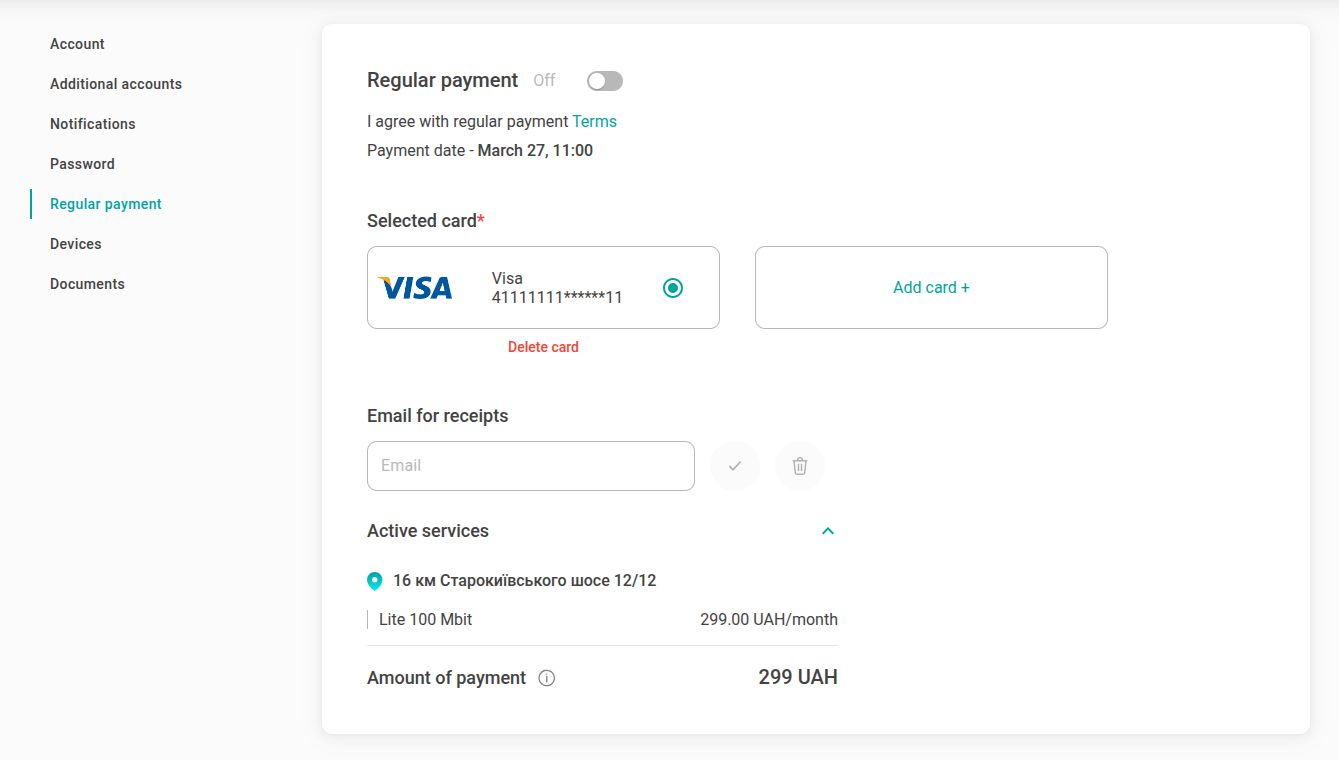
In the appropriate field, enter the card details for debiting funds. Enter your email: receipts for debits will be sent to it. And check the box to allow recurring payments. You can add several cards: money will be debited only from the card you have chosen.
Devices
In the "Devices" section, you can see all devices purchased from BRIZ. For example, a router and / or an IPTV set-top box. In this tab you will see: the serial number of the device, the warranty period and the date of installation.
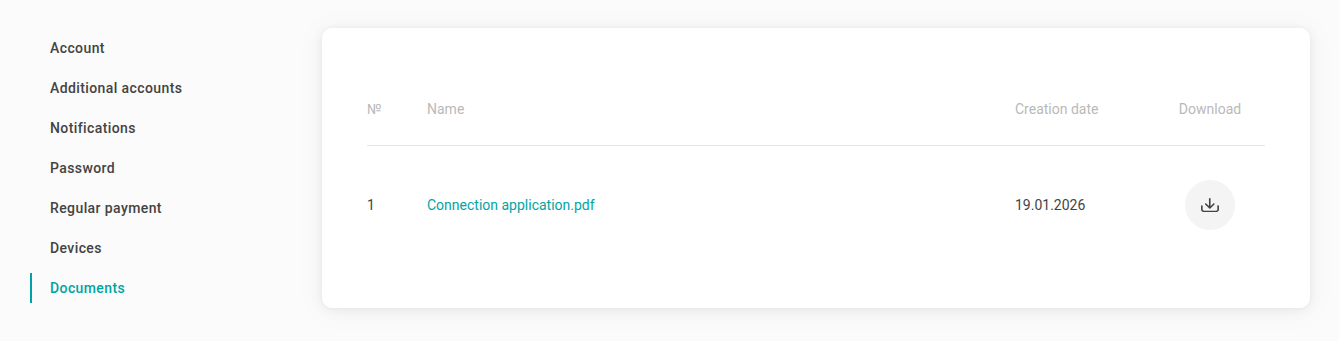
Documents