How to enter your personal account?
- How to enter your personal account?
- How to use the quick login to your personal account?
- I can't enter my personal account. What to do?
- How to pay for services through a personal account?
- How to top up balance?
- How can I change the MAC address in my account by yourself?
- "Regular payment" service
- How to view your payment history?
- How to change the tariff?
- How to suspend services?
- What settings does my account have?
- How can I pay for additional services with bonuses?
- What are Additional accounts?
- What are the advantages of multi-account?
- How to create an administrative account?
- How to confirm account connection?
- When can't an account be linked?
- How to check connected accounts?
- What are the administrator's capabilities?
- Does the owner of a child account have access to other accounts?
- How to log out of a multi-account?
- How do I change the administrator or delete the entire multi-account?
- How to choose the right account?
- How to make a payment?
- Whose balance is used for payment?
- Bonus accrual
- What payment methods are available?
- Where can I view my payment history?
- How does auto payment work?
- How does payment happen if "Regular payment" is enabled on a sub-account?
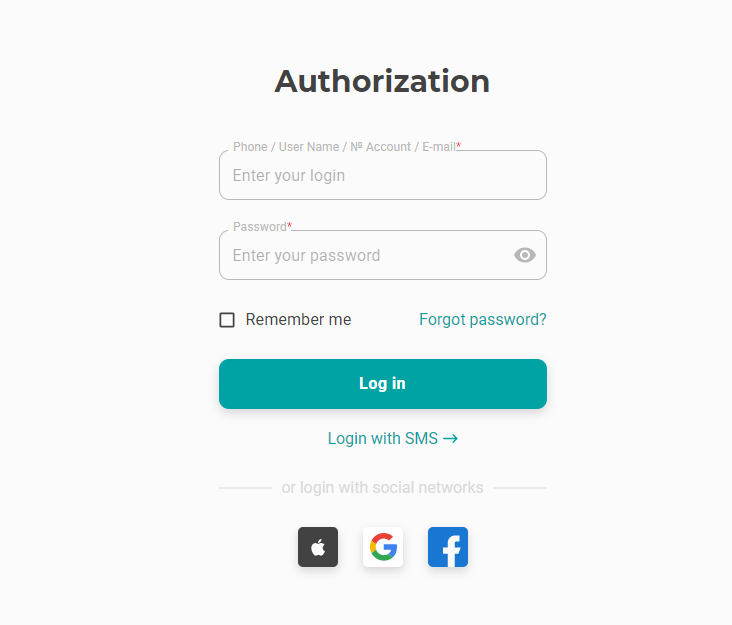
How to enter your personal account?
You can log in to your personal account on the website or in the “My BRIZ” application (Android / iOS OS) using:
- phone number (specified in the contract when connecting to BRIZ);
- login (from the router);
- contract numbers;
- The email address specified in the contract or added in the personal account and confirmed via the link in the email sent to this address;
And also, you can quickly log in through accounts:
- Gmail;
- Apple ID.
To use the quick login, you must enter your account information (you can choose one) in the settings of your personal account.