



Suspension of services
Are you planning to temporarily stop using BRIZ services? Suspend service package for a period that is convenient for you.
"Suspension of services" saves the subscriber’s accrued bonuses and participation in promotions.
How to suspend services yourself?
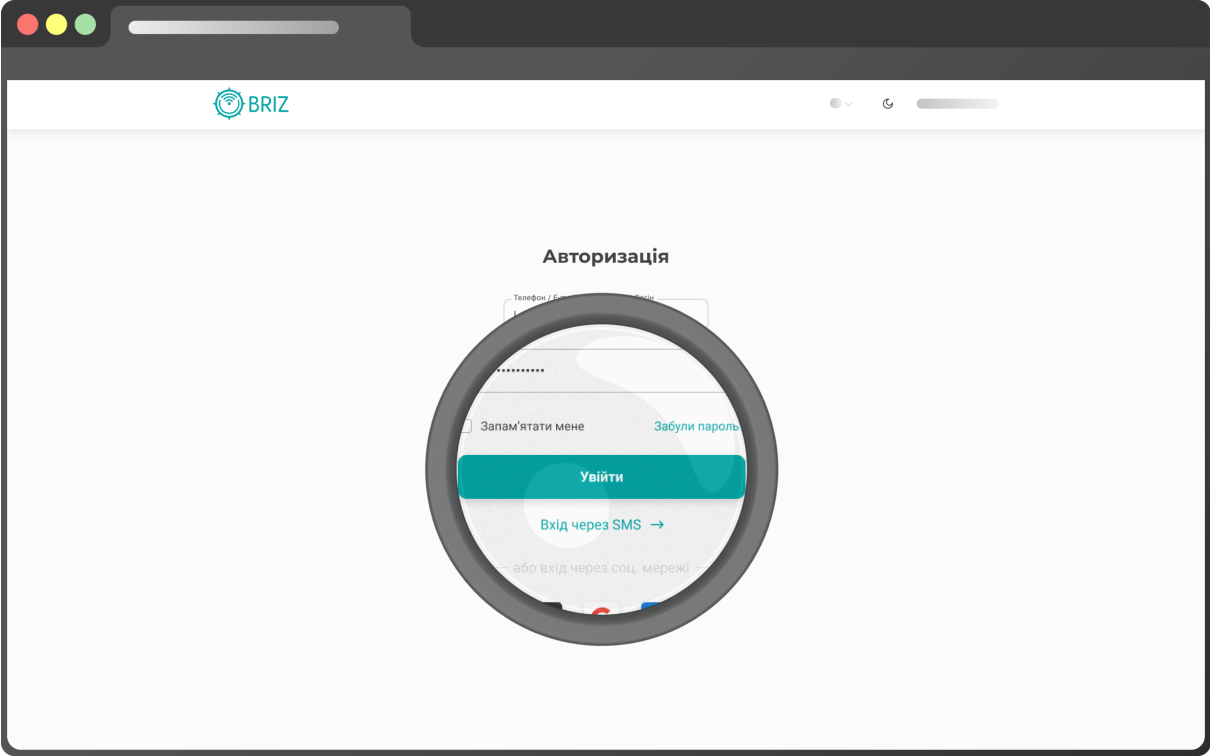
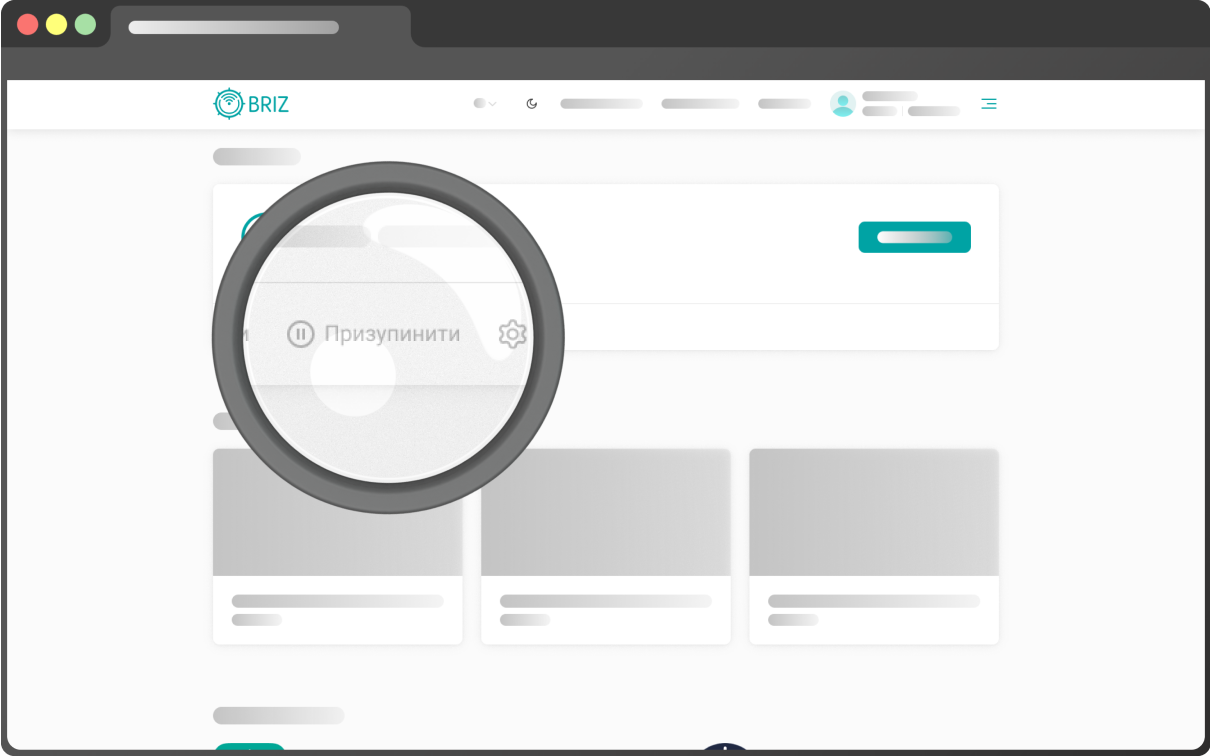
Step 2
In the “Your services” block, click “Pause”.
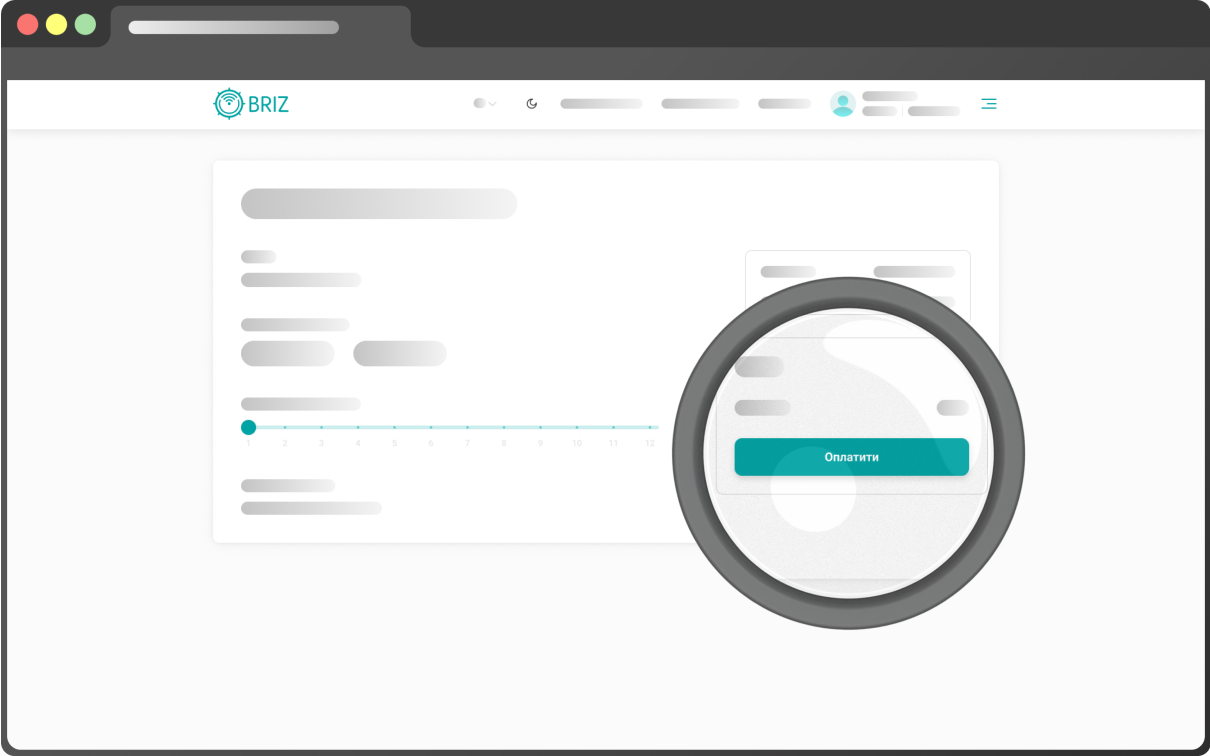
Step 3
After going to the payment page, select the service suspension validity period and click “Activate”

To suspend the services, please use your personal account.
Go to personal account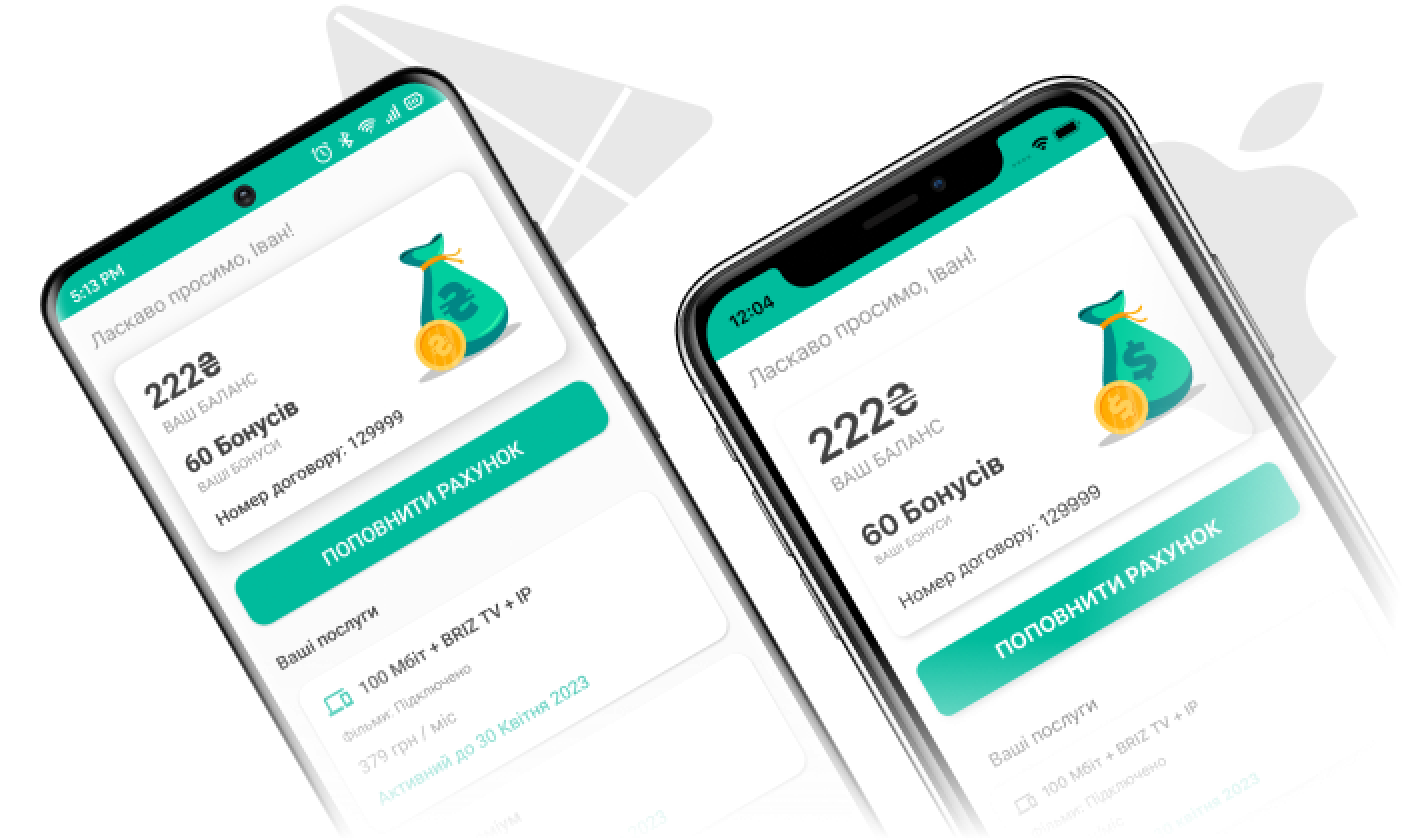

Note:
- you can renew the service package yourself through your personal account or by contacting the support operator;
- "Suspension of services" can be used by subscribers with Internet, Internet + BRIZ.TV, CTV, Internet + CTV, Internet + TV Max tariffs;
- if you want to secure a dedicated IP during suspension, the payment for a dedicated address remains the same (50 UAH/month).

Do you have any questions?
Send a request, the support operator will contact you and answer all of your questions.