How to view your payment history?
- How to enter your personal account?
- How to use the quick login to your personal account?
- I can't enter my personal account. What to do?
- How to pay for services through a personal account?
- How to top up balance?
- How can I change the MAC address in my account by yourself?
- "Regular payment" service
- How to view your payment history?
- How to change the tariff?
- How to suspend services?
- What settings does my account have?
- How can I pay for additional services with bonuses?
- What are Additional accounts?
- What are the advantages of multi-account?
- How to create an administrative account?
- How to confirm account connection?
- When can't an account be linked?
- How to check connected accounts?
- What are the administrator's capabilities?
- Does the owner of a child account have access to other accounts?
- How to log out of a multi-account?
- How do I change the administrator or delete the entire multi-account?
- How to choose the right account?
- How to make a payment?
- Whose balance is used for payment?
- Bonus accrual
- What payment methods are available?
- Where can I view my payment history?
- How does auto payment work?
- How does payment happen if "Regular payment" is enabled on a sub-account?
How to view your payment history?
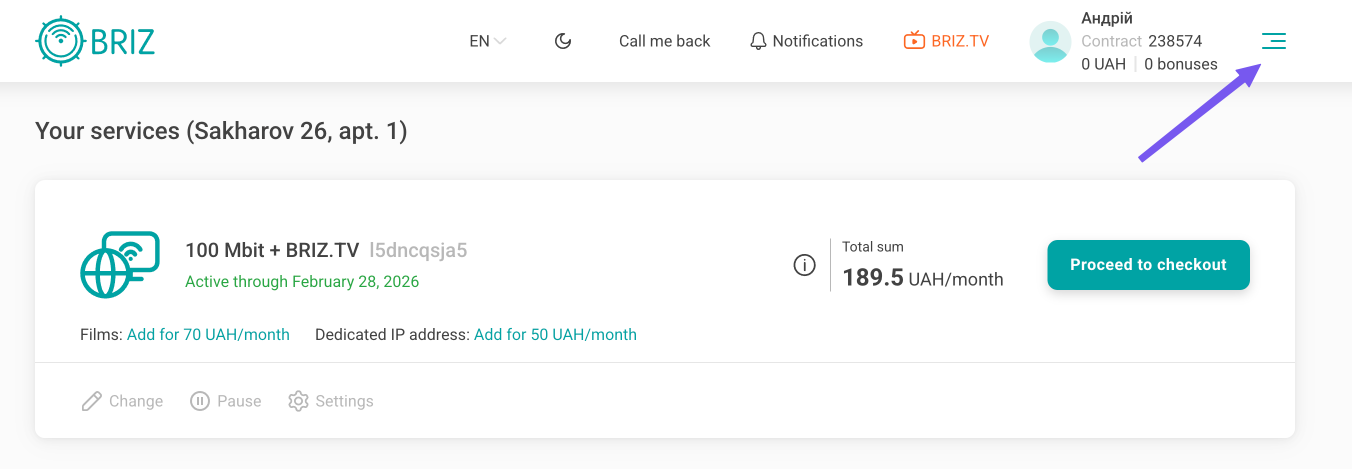
Click on the three lines next to your account in the upper right corner of the screen.
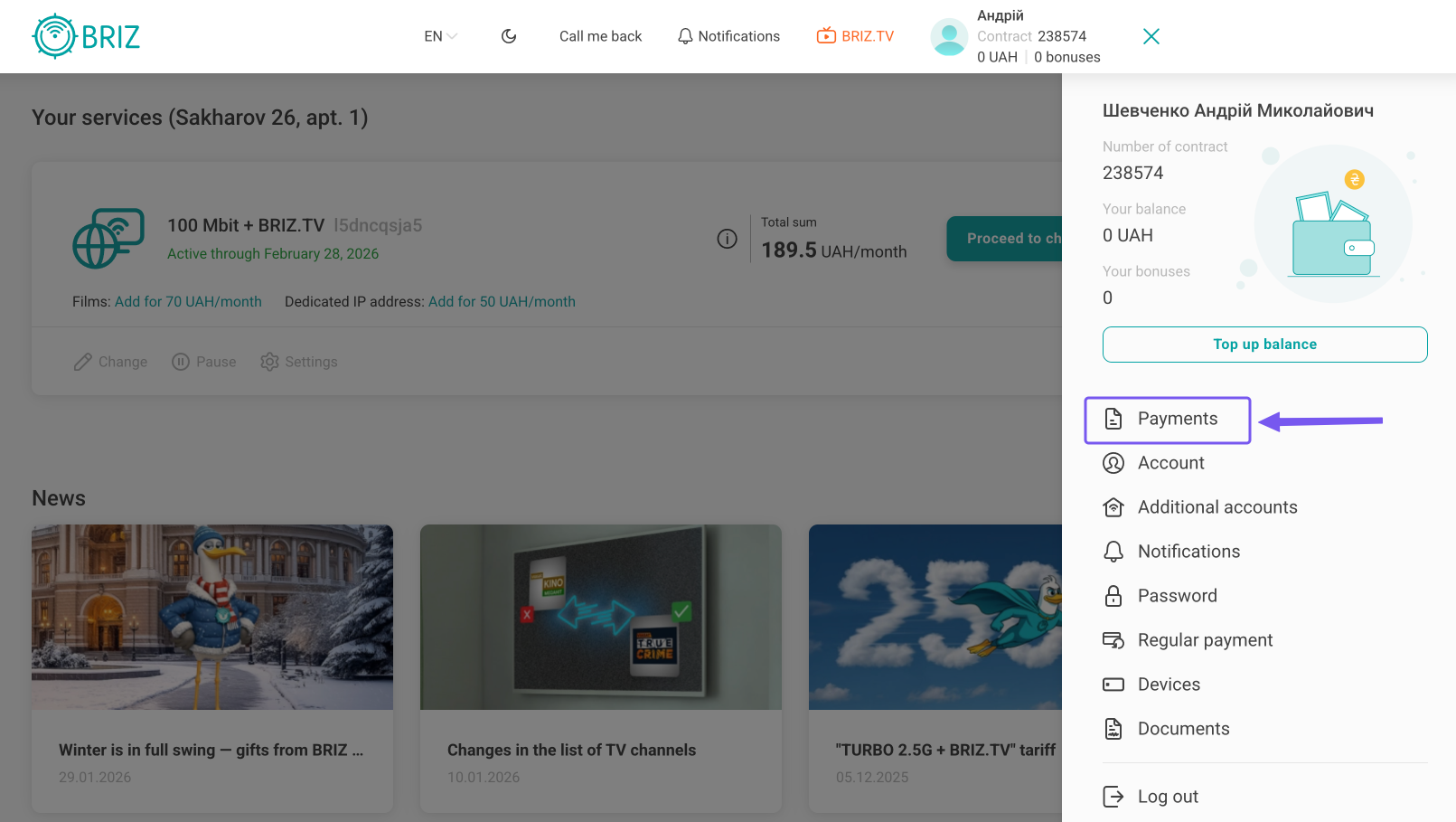
Then click on the "Payments" button.
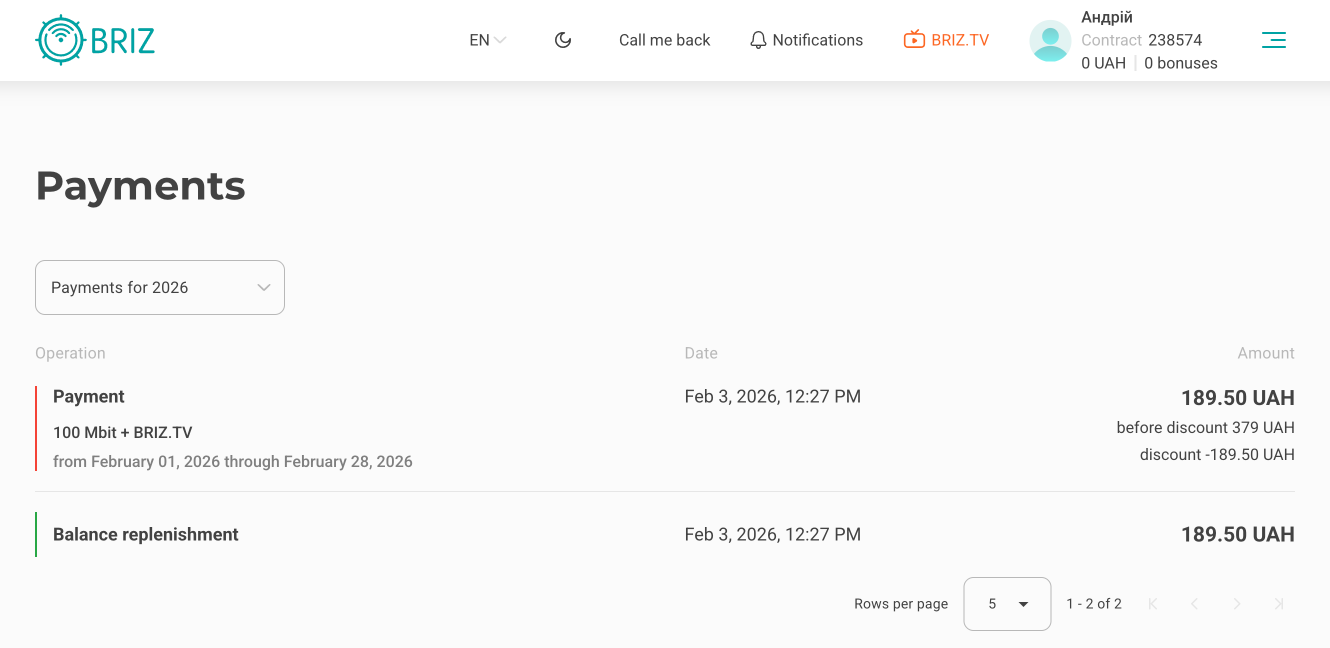
After that, statistics will open, in which you can see the type of payment (replenishment or activation), date, and also the amount. You can also filter all transactions by year.