


Step‑by‑step home network setup
to read 8 min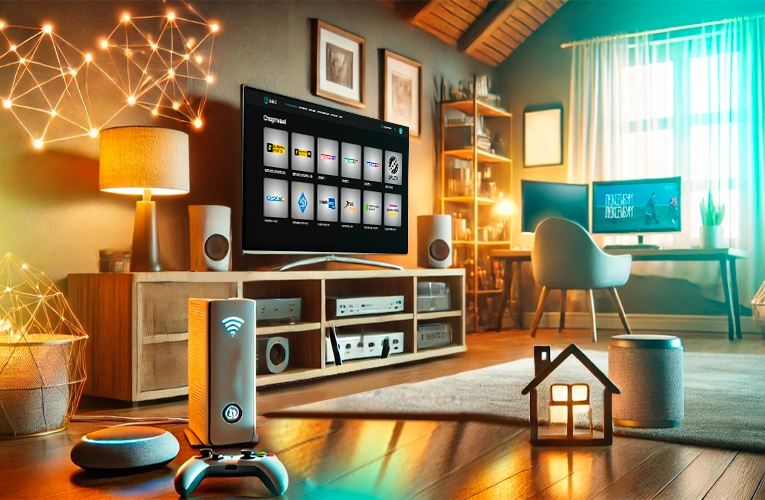
- What do you need to set up a home network?
- Necessary equipment for a home network: routers, cables, switches
- Why is internet speed so important?
- Setting up a home network: step by step instructions
- Additional home network features
- Why is there no internet and what to do about it?
- Setting up a home network is easy if you follow the instructions
What do you need to set up a home network?
Just imagine: you run a video in 4K and it loads instantly. You play online without lag. You work from home, and the speed of the internet is stable during video calls. There are no questions "why is there no internet?", and all devices work smoothly. This is all possible if you have a properly configured home network.
It's not just Wi-Fi from a router, but a whole system that connects all your devices: computers, smartphones, TVs, game consoles, and automation systems. Its main advantage is stability, speed, and security. It also allows you to set up parental controls, create a separate network for guests, or use a static IP to work with remote servers.
Necessary equipment for a home network: routers, cables, switches
Before you install the internet in your apartment or private house, you should make sure you have everything you need for a stable and fast connection.
- Router – is the main device and the heart of your network, providing Internet connectivity in your home. We recommend choosing a model that supports Wi-Fi 5 or Wi-Fi 6. Keep in mind that cheap routers may not be able to withstand high loads and may slow down your internet speed.
- Ethernet cables – even the best Wi-Fi can't match the stability of a wired connection. For a computer, TV, or game console, a wired connection is always more reliable than a wireless connection.
- Network switch – helps you connect most devices by cable if there are not enough ports on your router.
Why is internet speed so important?
Internet speed determines how comfortable you will be using your network. A slow connection means long website loading times, freezing videos, and constant delays. Therefore, it is important to choose the best tariff based on your needs:
- up to 100 Mbit/s – for basic tasks (web surfing, watching videos, social networks);
- 100-250 Mbit/s – the best choice for most users (for a small family, remote work and online games);
- 500-1000 Mbit/s – for maximum capabilities (for large houses, smart homes and offices).

Tariffs
Gigabit Internet
Forget about slow internet! Download files in seconds, watch 4K videos without buffering, and play online without lag.
ДетальнішеSetting up a home network: step by step instructions
- Connecting cable internet from ISP
Looking for a fast internet connection in Odesa that works even without electricity? GPON technology is exactly what you need!
Optical fibre gives you not only speed, but also digital or cable TV. And all this works even when there is no power! Internet provider Briz offers fibre optic Internet connection in Odesa and Odesa region using GPON technology from 300 UAH.
-
How to do the branching of the cable internet around the house for stable Wi-Fi
To ensure stable Wi-Fi coverage throughout your home, it's important to choose the right place for your router and install the cables:
- Cabling: It's best to think about internet wiring during renovation or construction when you're deciding where the devices will be placed.
- Central location: Place the router in a central part of your home.
- Avoid obstacles: Do not place your router near mirrors or metal objects, as this reduces signal strength.
- For large homes: If your home is large or has multiple floors, use Mesh systems or Wi-Fi extenders.

Internet without electricity
GPON - speed and reliability!
High speed, reliable signal and work even without power. Connect GPON and stay online in any conditions!
Read more- Setting up your router
To continue using the service, you need to configure your router. This can be done using the instructions on the Briz website.
- Connecting your devices to the internet
- Wired (Ethernet) provides stable, lossless internet speeds.If you have a 100Mbps or higher tariff, this will allow you to use the full potential of your network.
- Wireless (Wi-Fi) is ideal for smartphones, tablets, laptops and other mobile devices.
The best solution is to combine both of these types. So you can enjoy the Internet no matter where you are in the house.
Additional home network features
- What is parental control and how to set it up?
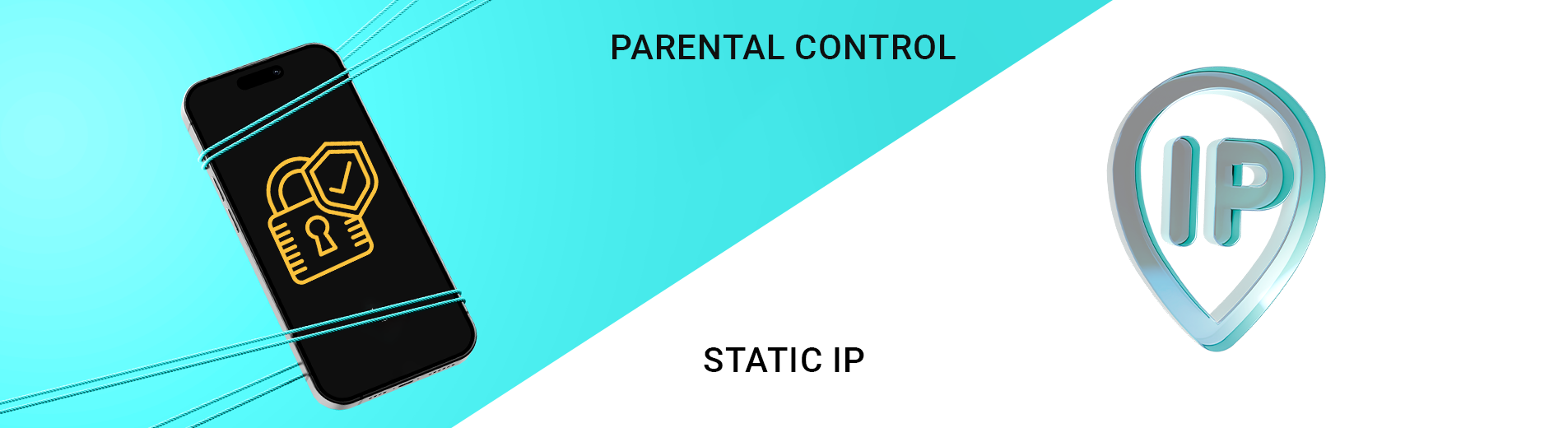
Parental controls are a feature that allows you to control what your children can view online. You can restrict access to certain sites or apps, and set limits on how long they can use the Internet on certain devices.
You can set up parental controls through the web interface of your router. Go to the router settings, find the ‘Parental Controls’ section, and
set rules for specific devices:
- restrict access to websites
- blocking unwanted resources
- setting the time of Internet use.
- How does a Static IP address help customers?
A static IP address is a permanent address for your device on the Internet. It is convenient when you need to ensure stable access to certain services or equipment at home or in the office. For example, to set up video surveillance, a home or mail server, or to create a smart home.
Why is there no internet and what to do about it?
There are many reasons for the lack of internet connection. Check the position of the cables and make sure everything is connected tightly and correctly. Try rebooting your router - this often helps to resolve the issue.
If the problem persists, or you have questions about your internet speed, please contact our technical specialists for advice.
Setting up a home network is easy if you follow the instructions
Wiring your internet and setting up a home network is not difficult if you follow the steps below. First, consider a place for your router so that Wi-Fi coverage is available throughout your home. For stable internet speeds, you can use either a cable or Wi-Fi connection, depending on your devices.
With GPON from Briz, you will get fast internet even when there is no electricity. And if you have any problems, just check your connection or reboot your router.
Receive information about promotions and news from BRIZ to your email address

Be the first to comment