


How to distribute internet between TV, computer, and smartphone without losing speed
to read 6 min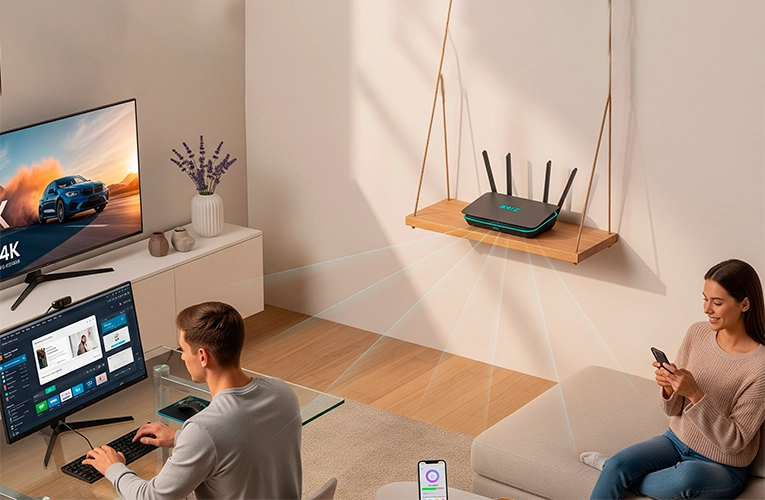
Why does internet speed drop when several devices are connected?
Imagine a Wi-Fi network as a conversation in a family, where the router is the father, and all connected devices are the children. The father can talk to all the children simultaneously, but each child has to speak in turn. The more children want to say something, the longer they wait for their turn.
TV, smartphone, computer: who “eats” the traffic
Different devices consume different amounts of internet traffic:
- TV: streaming video in high quality can use 20-30 Mbps (according to streaming service providers)
- Computer: file downloads, video conferences, games – from 5 to 50 Mbps
- Smartphone: social networks, messengers, music – usually 1-10 Mbps
What is the bandwidth of a home network
Bandwidth is the maximum amount of data your network can transmit per second. If you have a 100 Mbps plan, it does not mean each device will get 100 Mbps. This is the total “bandwidth” that is shared among all connected devices.
How to ensure stable internet speed for all devices
There are several proven ways to optimize the operation of a home network. Let’s consider each of them separately.
Proper placement of the router
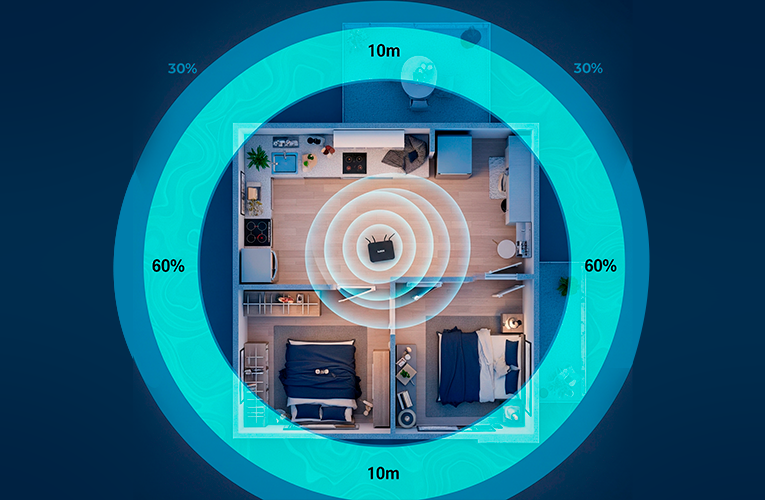
Place the router as far away as possible from microwave ovens and other electrical appliances. Remember: every wall and piece of furniture weakens the Wi-Fi signal, like obstacles during a conversation.
Dual-band Wi-Fi (2.4 and 5 GHz)
The most common frequency ranges used by modern routers are:
- 2.4 GHz: lower speed, but better coverage through walls;
- 5 GHz: higher speed but shorter range.
Recommendation: connect devices closer to the router’s working area to the 5 GHz network and everything farther away – to the 2.4 GHz network.
QoS (Quality of Service) – intelligent traffic distribution
Modern routers can “understand” what is more important: your video conference or downloading files as a background process. QoS technology automatically gives priority to critical applications – like a bouncer at the entrance to a club who lets VIP guests skip the line.
To set it up, navigate to your router's settings and configure priorities for different types of traffic. For example, video and games should be first, and file downloads should be last. This is especially useful when someone is watching a movie online and another family member is downloading a large file.
Recommendation: activate QoS if you have many devices or frequent video calls. The router will distribute the load itself so that the most important tasks are performed without delay.
Beamforming – precise signal transmission
Instead of spreading the Wi-Fi signal evenly in all directions, Beamforming technology directs it directly to where your devices are located. Think of it as a flashlight instead of a light bulb – instead of lighting up the entire room, you direct the beam where it is needed.
The router “sees” the location of your gadgets and concentrates the signal in their direction. The result is a more stable connection even through walls and at a distance.
The practical effect: if you are working with a laptop in a distant room, Beamforming will amplify the signal there, rather than wasting energy on empty spaces. The difference is especially noticeable in large apartments and houses.
Choosing a tariff – is 100 Mbps enough?
For an average family, a 100 Mbit tariff is usually sufficient, but if you have several active users, you should consider faster tariffs. This is especially true for residents of large cities such as Odessa. The Internet provider BRIZ offers a variety of connection options.
Conclusion: configuration is the key to comfortable use
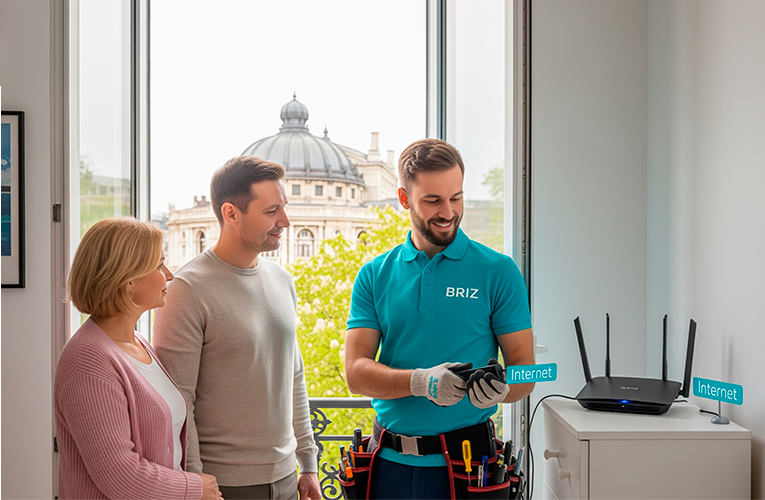
Stable home Internet for multiple devices is not magic, but the right settings. Use dual-band Wi-Fi, position your router optimally, choose the right tariff, and don't hesitate to contact your Internet provider for help. Modern routers and professional configurations will allow you to watch movies, work on your computer, and use your smartphone at the same time without any speed restrictions.
Receive information about promotions and news from BRIZ to your email address

Be the first to comment