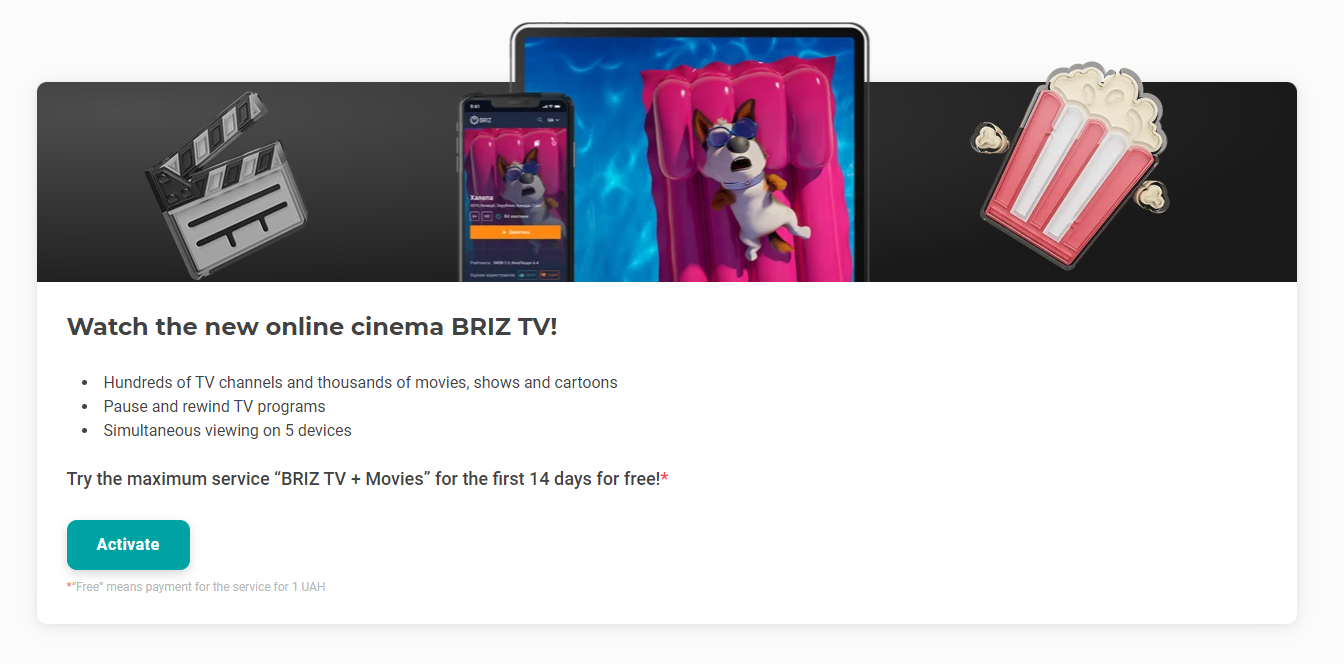
1. Go to your personal account and click on the «Activate» button in the BRIZ.TV banner. You can get the maximum package of TV channels with a film library for 14 days for only 1 UAH;
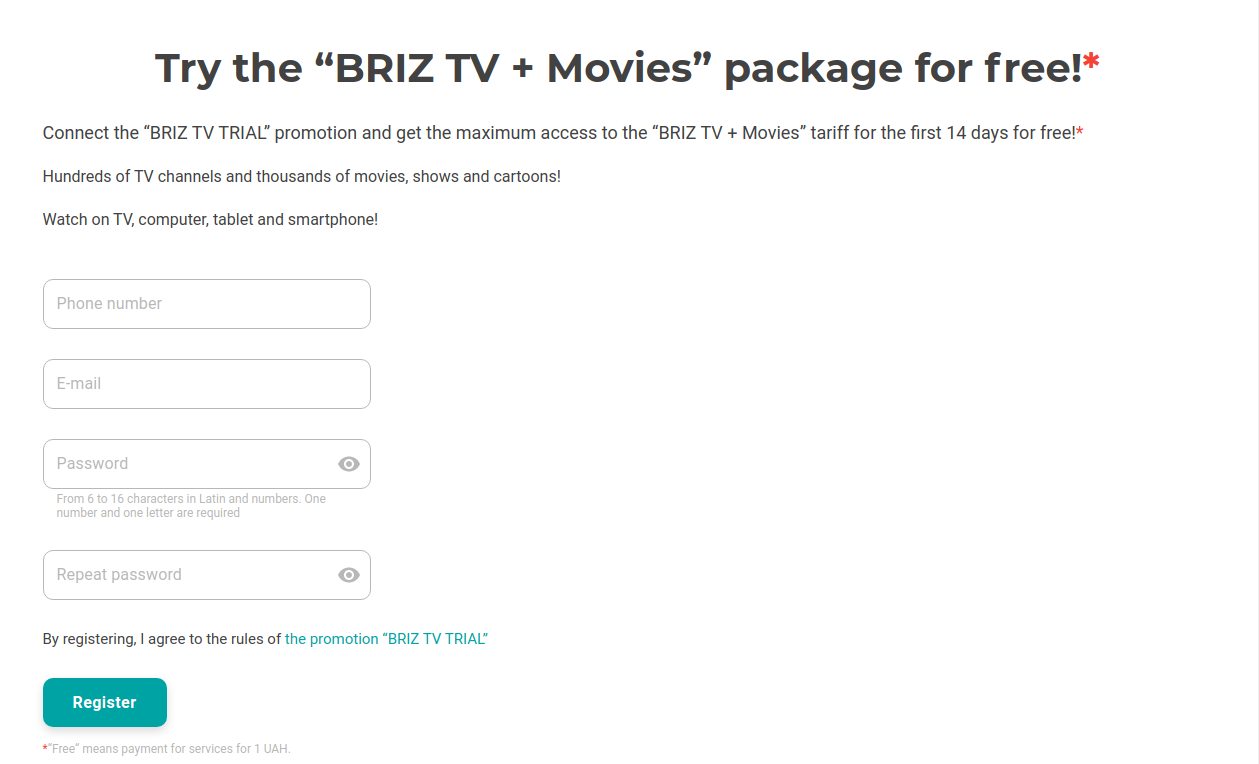
2. Enter your email address and click «Register»;
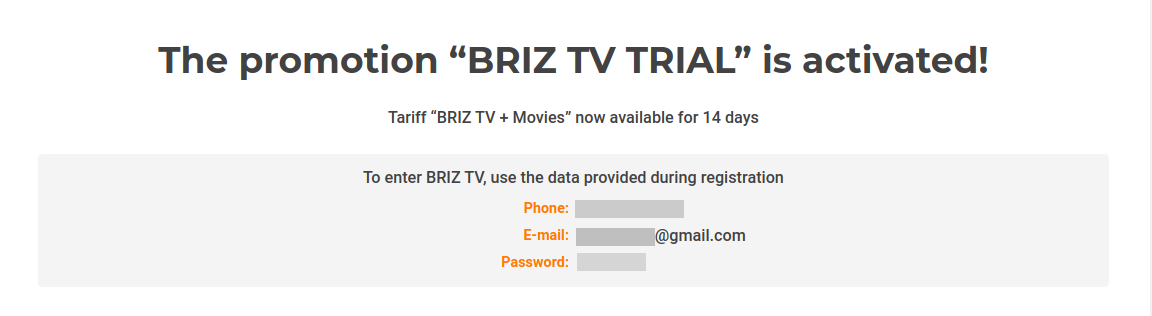
3. Then select the platform where you want to watch BRIZ.TV (on PCs, mobile devices, set-top boxes and TVs). Download the app and log in using your login and password.
Watch it on the website:
BRIZ.TV (PCs/tablets/phones)
Set up and watch on your TV:
The app is available for Samsung (Tizen TV)
The app for AndroidTV on your TV (Sony, Philips ...)
App for AndroidTV on a set-top box
The app for Apple TV (Apple set-top boxes)
The application for LG Electronics TVs (WebOS)
Or download the app:
on Google Play (Android phones/tablets)
from the App Store (Apple phones/tablets)


