1. To reconfigure the router, you must be connected using GPON technology;
2. Contact the support manager to change the connection type;
3. follow the instructions for reconfiguring the router.
Changing router settings (on the example of a TP-Link router)
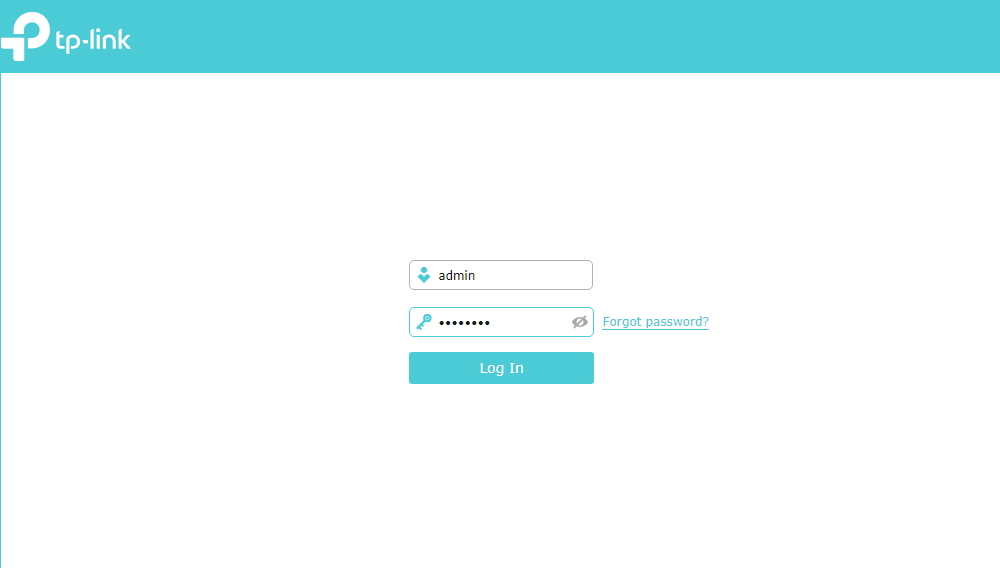
1. You need to open a browser on your computer and type http://192.168.0.1. If the admin panel does not open, enter http://192.168.1.1.
In the authorization page that opens, type in the username and password fields the word - admin.
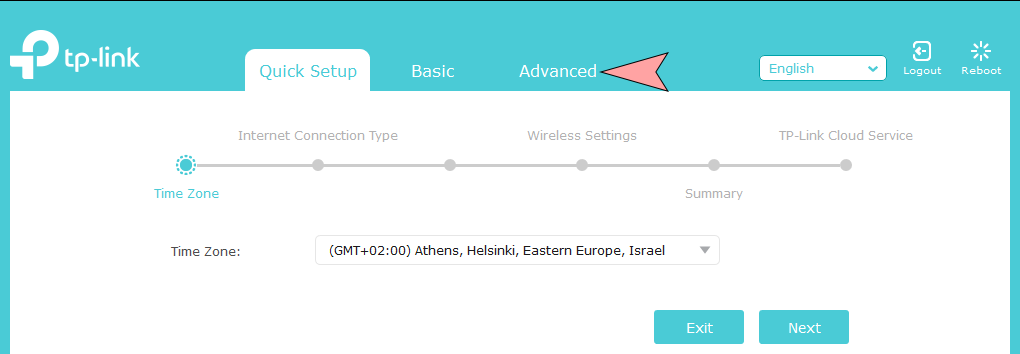
2. Next, go to the Advanced tab.
3. Go to the section Network - Internet: change the Internet Connection Type from PPPoE/PPPoE to Dynamic IP.
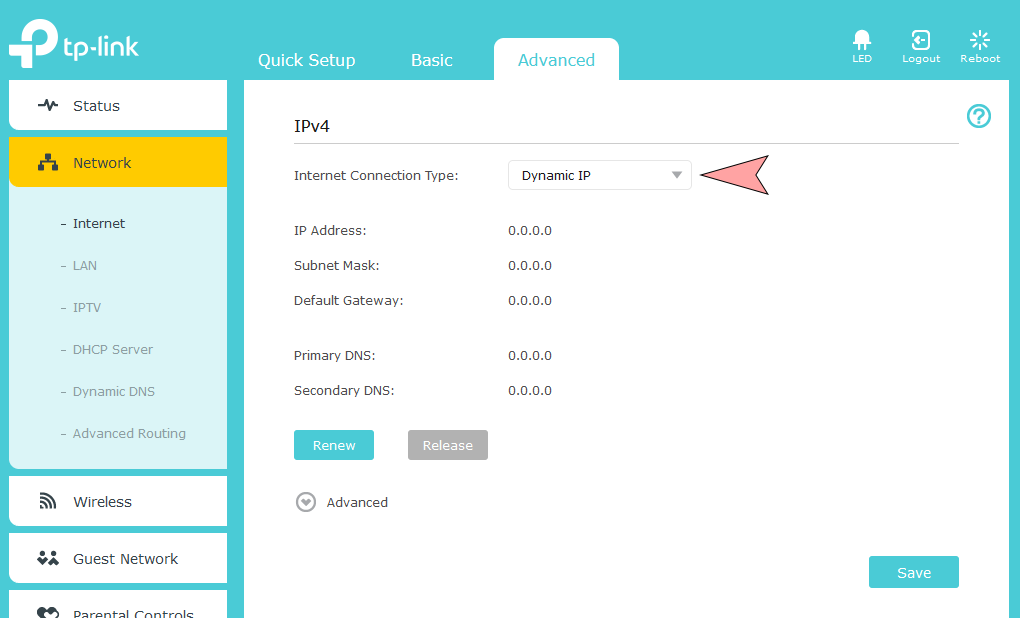
4. We save the changes by clicking the Save button.
This completes the reconfiguration of the router.


