


Wi‑Fi works worse through walls: myth or truth?
to read 6 min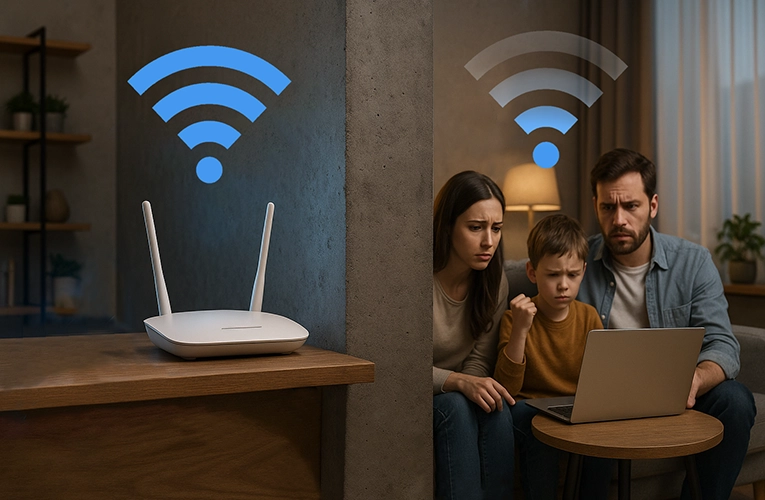
Almost every home internet user has experienced this: you walk into a far room and the Wi-Fi suddenly slows down or disappears entirely. Why does this happen? Can anything be done about it? And is it worth switching your internet provider? Let’s find the answers together!
How Wi-Fi works: brief and to the point
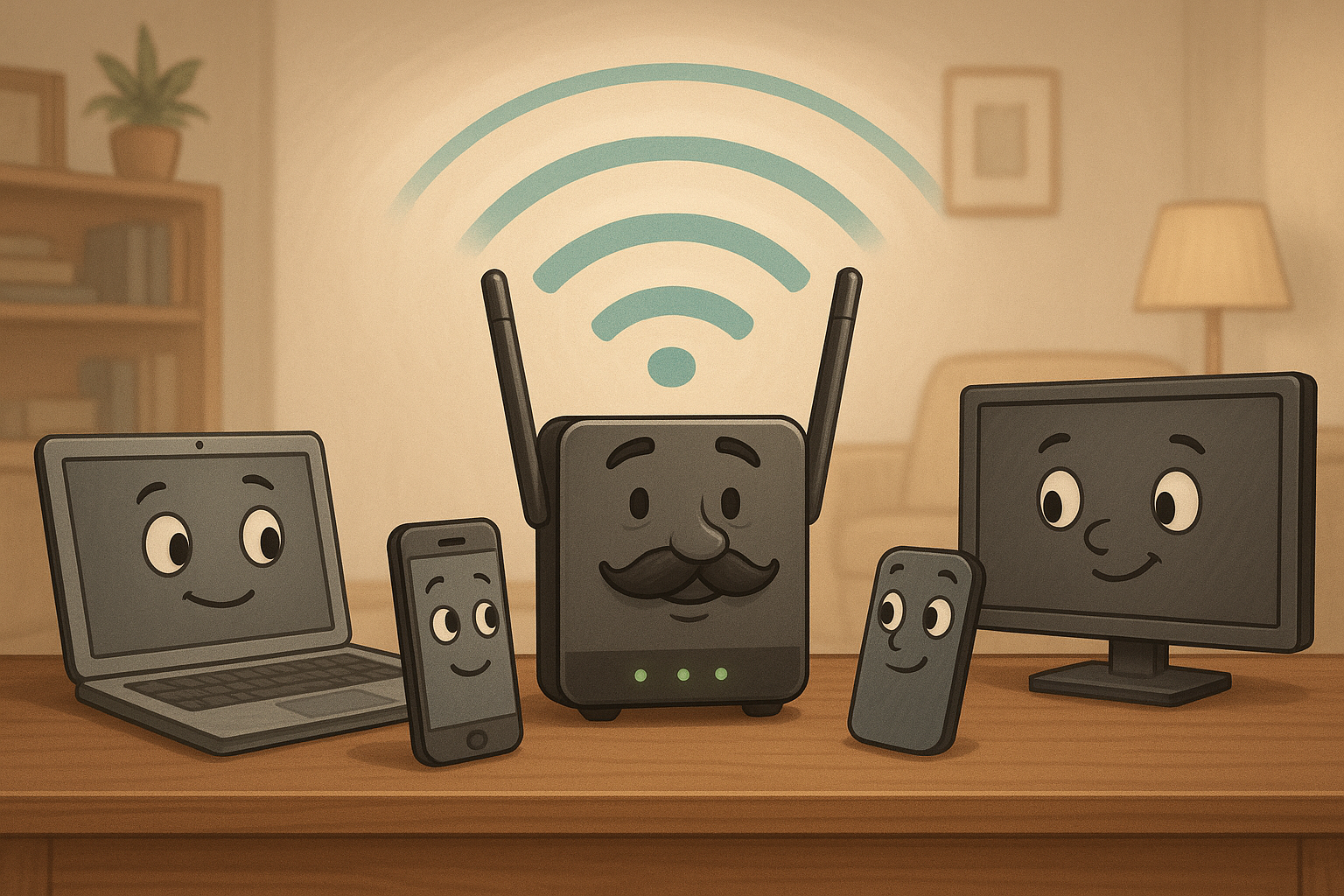
Wi-Fi is a wireless technology that transmits data between devices on a network – smartphones, tablets, TVs, laptops, and more. Imagine a conversation between a father (the router), and his children (your devices): the father speaks, the children listen, then respond in turn.
Let’s use a standard 2.4 GHz router as an example: everyone hears what the father says but only responds to what concerns them directly. However, this “conversation” gets harder if something interferes with the signal.
Why does Wi-Fi signal weaken through walls?
Yes, it`s true – walls weaken Wi-Fi signals. However, not all walls affect signal quality in the same way. Let's look at the obstacles you might find in an apartment.
Passive obstacles, such as walls, furniture, doors, and the distance between the router and the device, weaken the signal.
This is like the father and children being far apart or separated by barriers – they have a harder time understanding each other.
Active obstacles emit signals and interfere with Wi-Fi: microwave ovens, wireless mice, neighbor’s Wi-Fi networks.
Imagine the father and children trying to talk while others loudly talk on the phone nearby.
Not all materials affect Wi-Fi equally:
- Wooden partitions have minimal impact.
- Drywall slightly weakens the signal.
- Brick walls moderately block the signal.
- Concrete walls significantly reduce the signal.
- Metal reflects radio waves, so even a thin metal mesh in plaster can create a “Wi-Fi shadow.”
But even if your apartment has concrete walls, don’t worry – there are practical ways to turn the situation to your advantage!
How to improve Wi-Fi in your apartment or house
When considering connecting your home Internet with new equipment, pay attention to models that support Mesh technology, which creates seamless coverage throughout your home.
Router placement – best practices
The best place for the router is the center of the living space with a minimum number of obstacles around it.
- Avoid putting it on the floor or behind furniture.
- Keep it away from microwaves and electronics.
- Raise it higher – signals spread better from top to bottom.
- Point antennas in different directions for wider coverage.
Frequency and channel settings
Modern routers use 2.4 GHz (longer range, lower speed) and 5 GHz (higher speed, shorter range, more affected by obstacles).
Auto channel settings aren’t always optimal – use software to find the least crowded channel.
Will a GPON router help?
GPON is a modern fiber-optic internet technology that connects directly to your apartment. It reduces latency to the router but doesn’t completely solve the issue of walls affecting signal strength.

Internet without power
GPON - speed and reliability!
High speed, reliable signal and work even without light. Connect GPON and stay online in any conditions!
Read moreTips for stable internet in Odesa
When to upgrade your equipment
Newer routers with support for 802.11ac or Wi-Fi 6 can greatly improve coverage. Consider upgrading if:
- your router is over 5 years old;
- it only supports 802.11b/g/n standards;
- you have more than 5-7 active devices;
- there are “dead zones” even after optimizing placement.
The role of your provider and tech support
Even the best equipment needs a solid connection. When choosing a provider in Odesa, consider:
- connection technology (fiber-optic preferred);
- 24/7 tech support availability;
- response time to service requests;
- real user reviews.
How to choose a home internet plan
XG-PON vs. Ethernet comparison:
| Parameter | XG-PON | Ethernet |
| Speed | Up to 10 Gbps | Up to 1000 Mbps |
| Stability | High | Moderate |
| Weather sensitivity | Minimal | High |
| Interference sensitivity | None | High |
| Power independence | High | None |
GPON technology offers a modern approach to building your home network, providing a reliable foundation for stable Wi-Fi – even during power outages.
Best internet plan for a large family
For a household of 3-5 people using the internet for gaming, streaming, and remote work, look for speeds from 200 Mbps, no traffic limits, GPON connection.
Briz Internet in Odesa provides all this, plus professional installation tailored to your home’s layout.
Walls aren’t a problem if you know what to do
Yes, Wi-Fi does work worse through walls – it’s just physics. However, understanding how wireless networks function can help minimize interference.
With properly configured equipment, optimal router placement, and a reliable GPON connection, you can enjoy stable internet in every corner of your home.
If you’re setting up home internet in Odesa or want to improve your current connection, contact the experts at Briz. We’ll help you choose the best solution for your needs and space.
Receive information about promotions and news from BRIZ to your email address

Be the first to comment