


What is better: Internet TV or set‑top box? Advantages and disadvantages
to read 6 min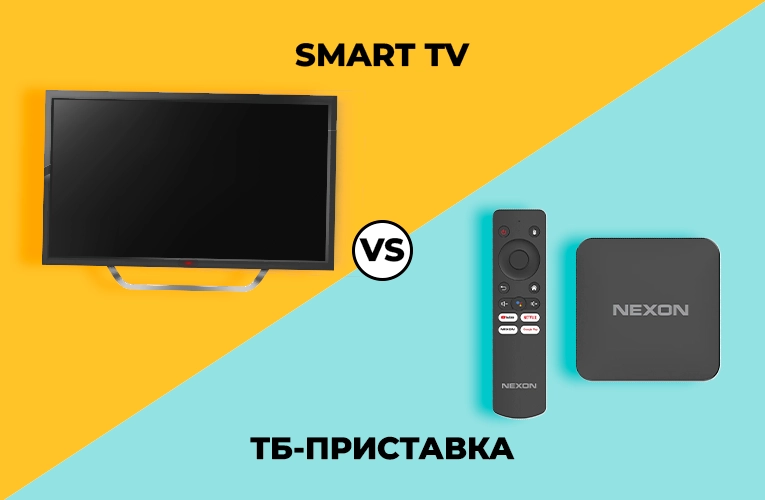
- Set-top box or Smart TV: what is better for Internet TV
- What you should know about Smart TV: advantages and disadvantages
- TV set-top box: how to connect your TV to the Internet
- What should you look for in a set-top box?
- Smart TV vs set-top box: comparison of capabilities
- Smart TV or set-top box: what to choose?
Set-top box or Smart TV: what is better for Internet TV
TV is an everyday necessity for almost all families. We turn it on to relax after work, watch our favorite TV series, or find out what's new in the world. But time goes on, and now, instead of satellite dishes or cable TV, we have a “cool” alternative - TV over the Internet. Convenient, modern and with maximum features!
But here's the question: how does it work and what does it take? Do you need a new TV with Internet support? Or can you get by with a compact set-top box? The choice is so great now that it's easy to get confused.
Today we will figure it out together! In this article, we'll tell you how to choose the best option to make your digital TV viewing experience comfortable and easy.
What you should know about Smart TV: advantages and disadvantages
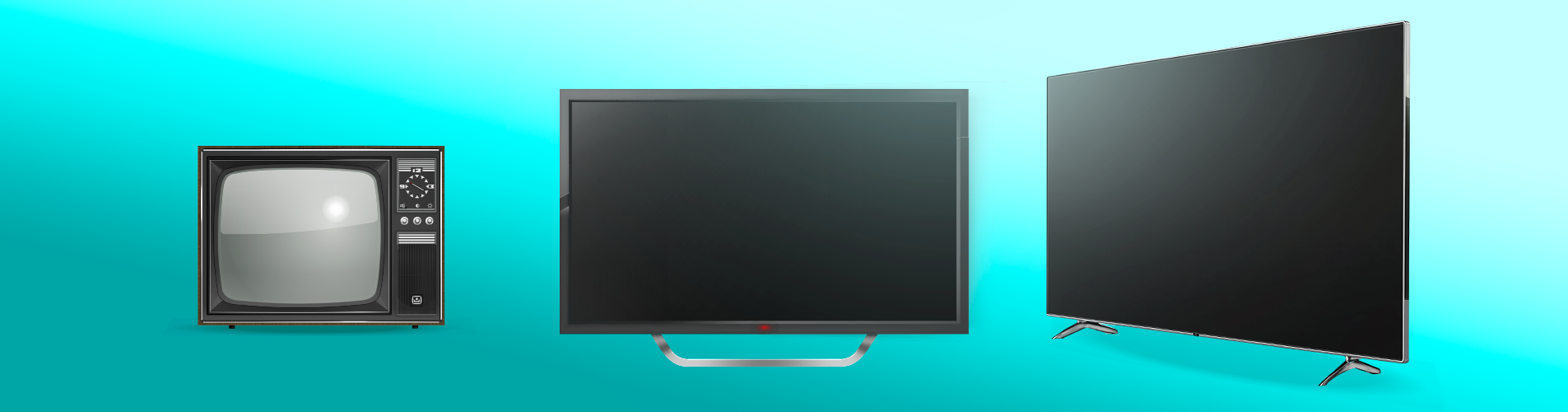
TVs today are completely different. Some people still have an old kinescope TV at home, while others enjoy a brand new 60-inch plasma with all the modern features, including Smart TV. And this is normal - everyone has their own needs. That's why it's important to choose what's right for you.
For example, screens come in different technologies, and this directly affects the image quality:
- LED — a bright, saturated picture, a standard for every TV.
- OLED — guarantees detail and a cinematic experience.
- QLED — maximum vivid colors and brightness, clear details even in a sunny room (quantum dot technology).
But it's not just about the screens! There are many models with different functions on the market now, and each brand is trying to stand out. The most popular Smart TV operating systems:
- Android TV
- Tizen OS by Samsung
- WebOS by LG
Even if you buy a TV in a well-known store, be careful. There are Chinese clones on the market with poor image quality, incomprehensible operating systems, and cheap components. After that, you can forget about the pleasure of watching.
Another aspect is the price. Smart TVs are more expensive than conventional TVs, and their repair, if something goes wrong, can leave you with a bigger bill. In addition, after 5-6 years, some models stop receiving updates, which causes them to slow down and lose access to new applications.
Despite all the details, Smart TV is not just a TV, but a real multimedia center. It provides access to free digital TV and a wealth of content, apps, and even games. Moreover, almost all models have HDMI ports, so you can easily connect a laptop, computer, or game console to them.
If you want to upgrade your equipment or don't have a TV at home yet, Smart TV is a must-have for comfortable viewing and entertainment!
TV set-top box: how to connect your TV to the Internet
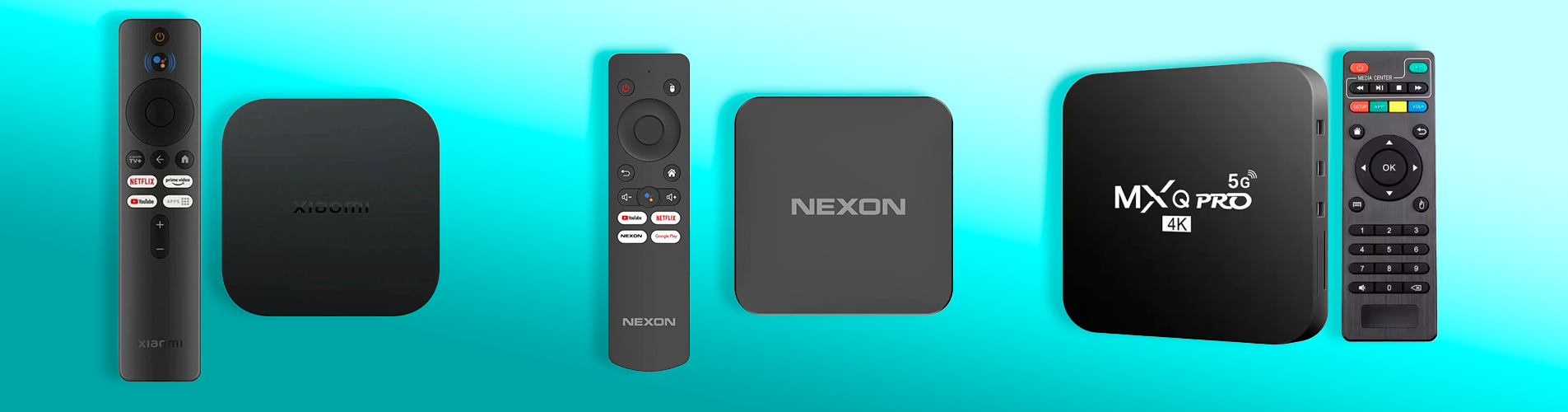
An Internet set-top box is a small but very convenient device that will literally give your TV a new life. Connect it with HDMI - and congratulations, your TV can do much more! If you don't have HDMI ports, you can use adapters, the so-called good old “tulips” (RCA or SCART).
Most set-top boxes run on Android. This means that you have Netflix, YouTube, and even an online movie theater from BRIZ.TV and much more at your fingertips. And what's better, you have access to the entire Internet! Download apps from Google Play or from third-party sources. And if your TV supports Full HD or 4K, the picture will be just superb.
If you don't want to buy a new TV, but need to connect it to the Internet, a set-top box is the perfect solution.
What should you look for in a set-top box?
-
Power. The better the processor and the more RAM, the faster everything will work. For example, a device with a 4-core processor and at least 2 GB of RAM will be the best option.
-
Resolution. If your TV supports 4K, then you need a set-top box with the same capabilities.
-
The amount of memory. Usually 8-16 GB is enough for a regular user.
- Availability of ports. HDMI is a must-have, USB is very useful if you want to connect a flash drive or mouse. If you have problems with Wi-Fi, be sure to look for a device with an Ethernet port for direct connection via cable.
But the main thing here is to choose the right one, just like with TVs, so the most important thing is not to be fooled by super-cheap options from unknown brands. It looks attractive, but the reality is often the following: glitchy operation, poor picture quality, and no technical support. It's better to get something proven right away, and we can advise you one of the best options - Android TV Strong Leap-S3.
Smart TV vs set-top box: comparison of capabilities
Do you think the choice is obvious? Wait, it's not that simple!
Smart TV is a stylish and convenient option: you buy it, connect it to the Internet, and enjoy your favorite content. Minimalism and no unnecessary devices. However, the capabilities of such TVs depend on the operating system, and if the manufacturer stops supporting updates, your modern gadget may turn into just a screen in a few years.
A set-top box is like a universal tool that gives a second life to any TV. No matter how new or old it is, with a set-top box you get a TV with access to the Internet, digital TV, streaming services, YouTube, a browser, and everything else. And all this for a much lower price than a Smart TV.
| Characteristics | Smart TV | TV set-top box |
| Cost | A more expensive option, the price depends on the model, diagonal, screen, and manufacturer. | A more affordable solution, often much cheaper than a new TV. |
|
Universality |
Works only with the built-in OS. | Suitable for any TV, even an old one. |
| Updates | Depends on the manufacturer's support. | You can always replace the device with a new one or reflash it. |
| Repair | It is expensive, it is often easier to buy a new TV. | Repairs are also not cheap, but it is always easy to replace with another set-top box at an affordable price. |
| Functionality | Limited by the capabilities of the TV's operating system. | Full access to the Internet, applications, and streaming services. |
| Flexibility in use | You can customize, update, and add apps (depending on the manufacturer). | You can customize, update, and add applications. |
| Cables for connection | No need, everything is built-in. | Additional cables are required to connect to the TV. |
Smart TV or set-top box: what to choose?
Choose a Smart TV if you want a stylish device with everything you need: a minimum of cables and additional gadgets. It's the perfect choice for those who want everything in one and without unnecessary hassle.
A set-top box is suitable for those who don't have a Smart TV, but still need to connect it to the Internet and access a bunch of content without spending a lot of money. A great option for those who want more features but for much less money.
In both cases, you get modern TV content, just choose what suits you best!
Receive information about promotions and news from BRIZ to your email address

Be the first to comment